Home / Buying through Sugargoo
Buying through Sugargoo with the Sugargoo Spreadsheet
The agent, the account, and the order steps for a new item, set beside the shorter route a relisted SUGARFLEA item takes to the same shelf.
Sugargoo facts on this page were read on November 9 and 10, 2026 unless another date is given.
Sugargoo, the agent behind both routes
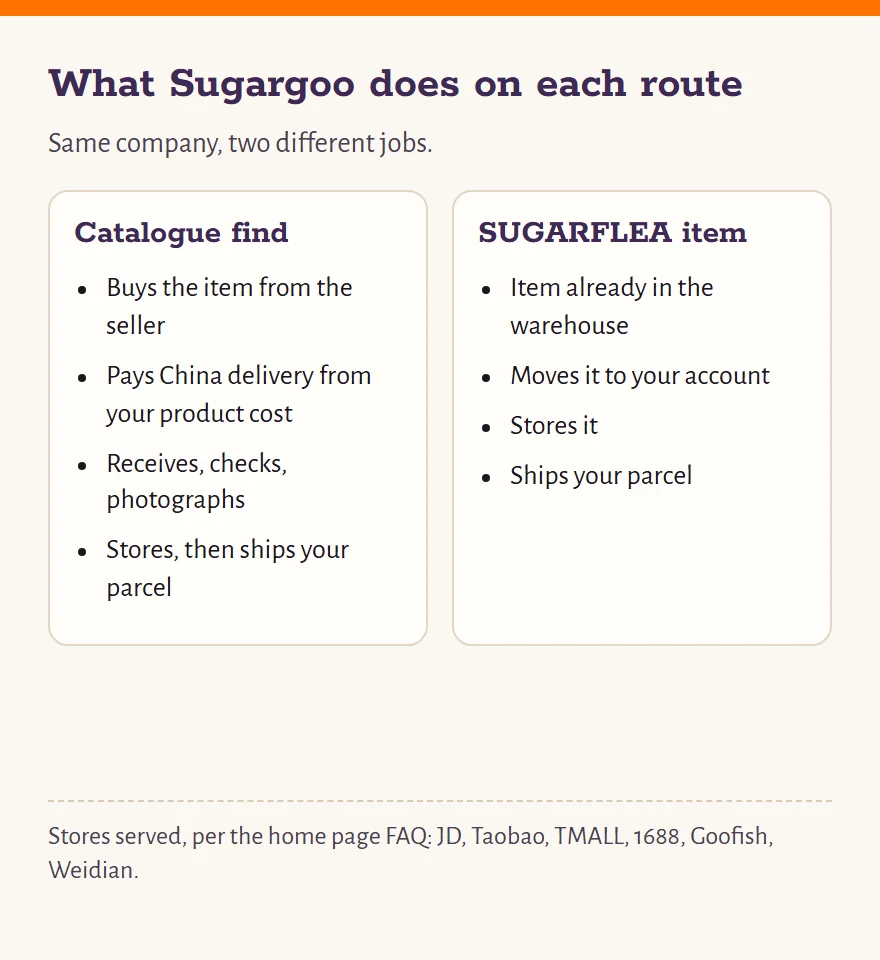
Sugargoo is a shopping agent. In practice that means it pays Chinese online stores for the goods you pick, takes delivery at its own warehouse, and sends them abroad in parcels you assemble. Its home page FAQ (read November 9, 2026) names the stores it buys from: JD, Taobao, TMALL, 1688, Goofish and Weidian.
The warehouse, which Sugargoo calls the Packing Center, is in Huizhou, Guangdong. The Contact Us page lists the operating company as SUGARGOO CO., LIMITED, with a registered address in the United Kingdom; we have not checked that against a company register. The site footer dates Sugargoo from 2020.
For a buyer on this site, Sugargoo plays two roles. For a catalogue find, it is your purchaser, paying the seller and chasing the delivery. For a SUGARFLEA item, it is only the warehouse: the item is already there, and Sugargoo moves it from one account to another. In both cases it is the shipper at the end.
Your Sugargoo account, from form to activation
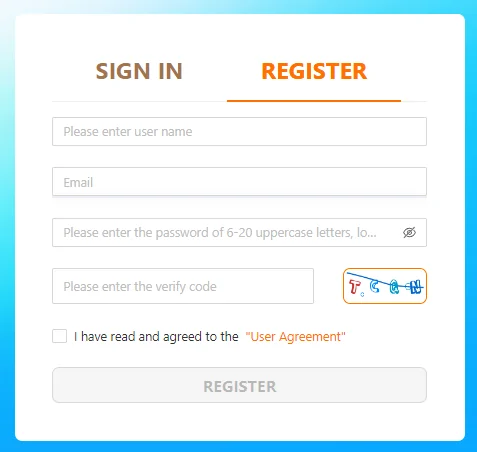
Registration is short, and the help centre walks through it with screenshots like the one pictured. Click SIGN IN at the top right of the Sugargoo home page and switch to REGISTER. You fill in a user name and an email address, choose a password (the field asks for 6 to 20 characters), copy the picture code, and tick the box accepting the User Agreement.
Sugargoo then sends an activation mail. Type the code from that mail into the next screen and press Activation; the account is live. If no code arrives, the help centre has an article titled "Why can't I receive the verification code?" and the activation screen has a resend link.
New accounts are eligible for the new user coupon pack that a 2023 notice describes, applied to international shipping only. We cover it briefly on the notices page.
Open a Sugargoo account (partner link with our member code)
From a catalogue link to a paid order
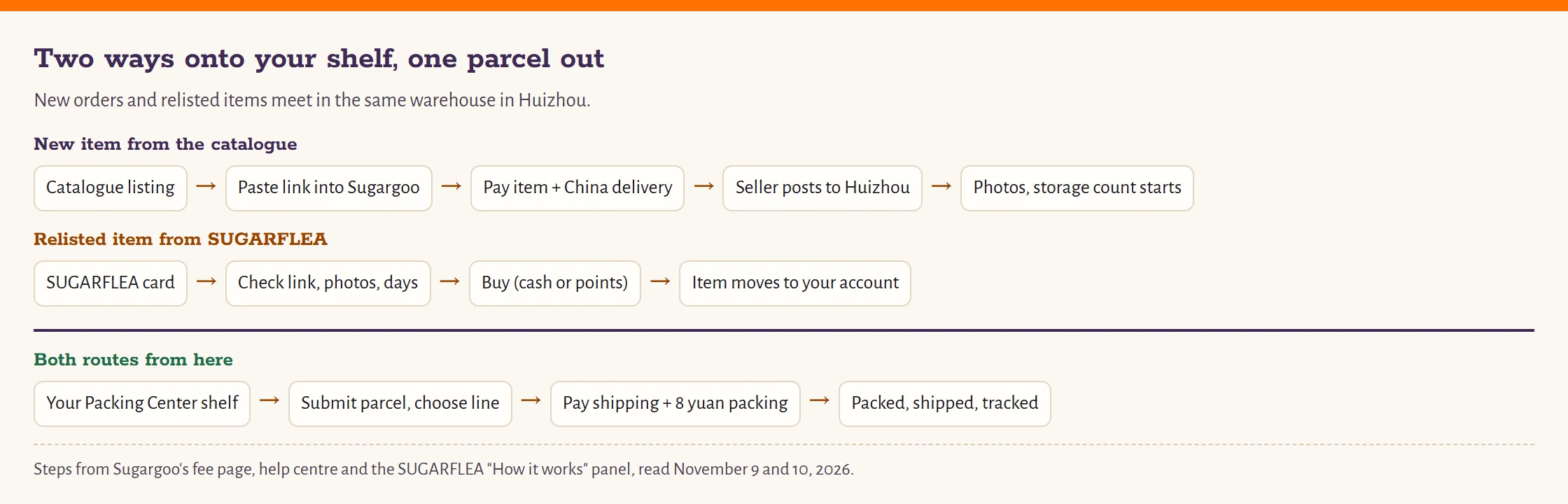
Here are the steps for a new item, with the SUGARFLEA route drawn underneath for comparison.
- Find the item. Browse a shelf in the catalogue or use the search box. Open the listing and copy its link.
- Paste the link into Sugargoo. The search box on Sugargoo's home page takes product links. The item page that loads is Sugargoo's view of the seller's listing.
- Choose the variant. Size, color and quantity. If the seller's size chart is in centimeters, compare it with a garment you own before you choose.
- Add a remark if you need one. Ask for a specific photo, or tell the purchaser what to check.
- Pay the product cost. Sugargoo's Service & Fee page defines it as the item price plus delivery inside mainland China, from the seller to the warehouse. There is no separate purchasing service fee line.
For a relisted item, steps two to five collapse into one: you buy the card on sugarflea.com, and the item moves to your account without a domestic delivery leg. From there, both routes meet on your Packing Center shelf.
Seven order statuses, Pending Payment to Completed
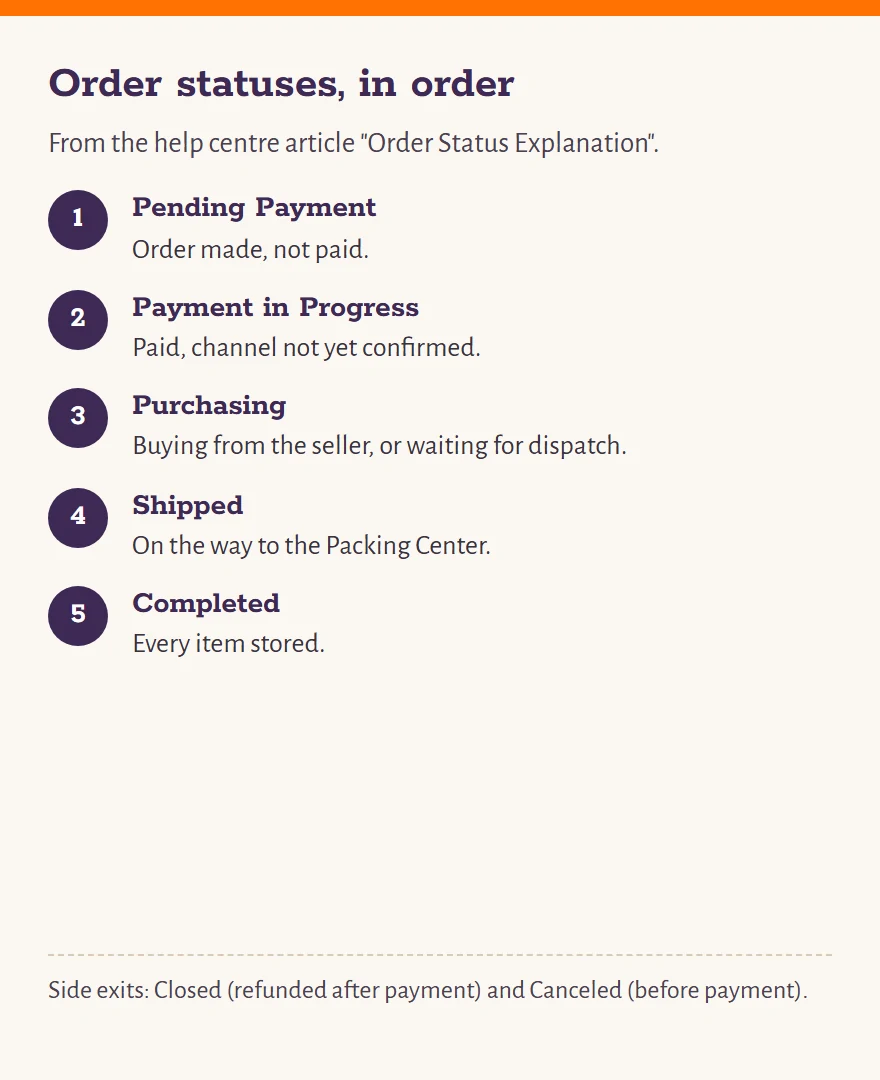
The help centre article "Order Status Explanation" defines seven statuses. In the order a normal purchase passes through them:
- Pending Payment
- The order exists but is not paid.
- Payment in Progress
- You paid, but the payment channel has not confirmed it yet.
- Purchasing
- The purchaser is buying from the seller, or has bought and is waiting for the seller to ship.
- Shipped
- At least one item is on its way to the Packing Center.
- Completed
- All goods on the order are now in storage.
- Closed / Canceled
- Refunded after payment, or cancelled before payment.
How fast the first steps go: under Sugargoo's timeliness standard, an order paid from 08:00 to 18:00 (Beijing time) gets handled inside 6 hours, and one paid overnight by 14:00 the following day. The home page FAQ says more loosely that orders are generally fulfilled within 24 hours of payment.
Sending the parcel out, then following it
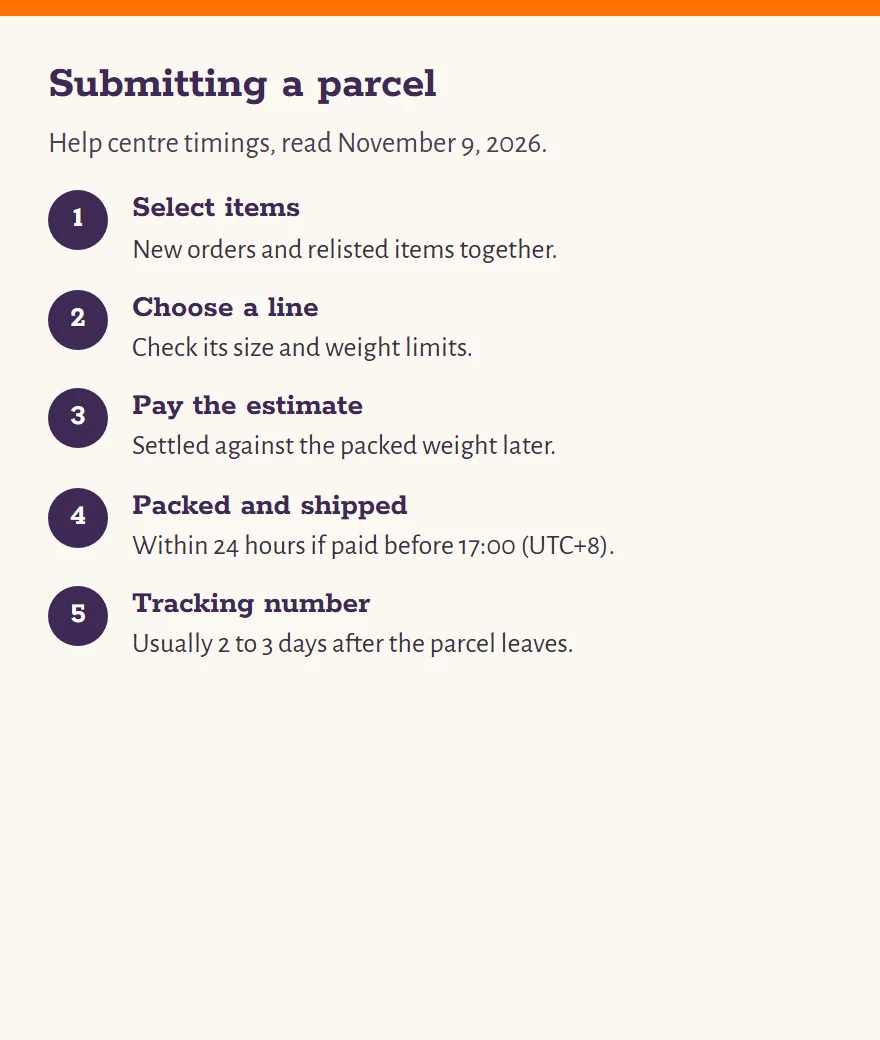
When everything you want is on your shelf, catalogue finds and relisted items alike, you submit a parcel. Select the items, choose a shipping line for your country, add any packing service, and pay the international shipping fee. The amount you pay at this point is an estimate; after packing, Sugargoo settles it against the final weight and refunds or charges the difference.
The help centre gives the warehouse's pace: parcels paid before 17:00 (UTC+8) are packed and shipped within 24 hours that day, later ones from 9:00 the next morning. A tracking number usually appears 2 to 3 days after the parcel leaves, and Sugargoo's tracking page takes it from there.
Two things can send a parcel back, according to the help centre: a box that still exceeds the line's size or weight limit after the tightest packing, and goods the carrier or the destination's customs refuse. An address problem at delivery is the other common cause. Check the line's limits before you pay.